


How to add a payment card in your NIC.UA account?
In NIC.UA there is the opportunity to add a card to your account, that will allow you to use the auto-renew function, and also save you from having to enter your card information for each subsequent payment.
Additionally, when free services are ordered, the presence of a linked card is checked for user identification purposes.
Pick up a domain name you always dreamed of
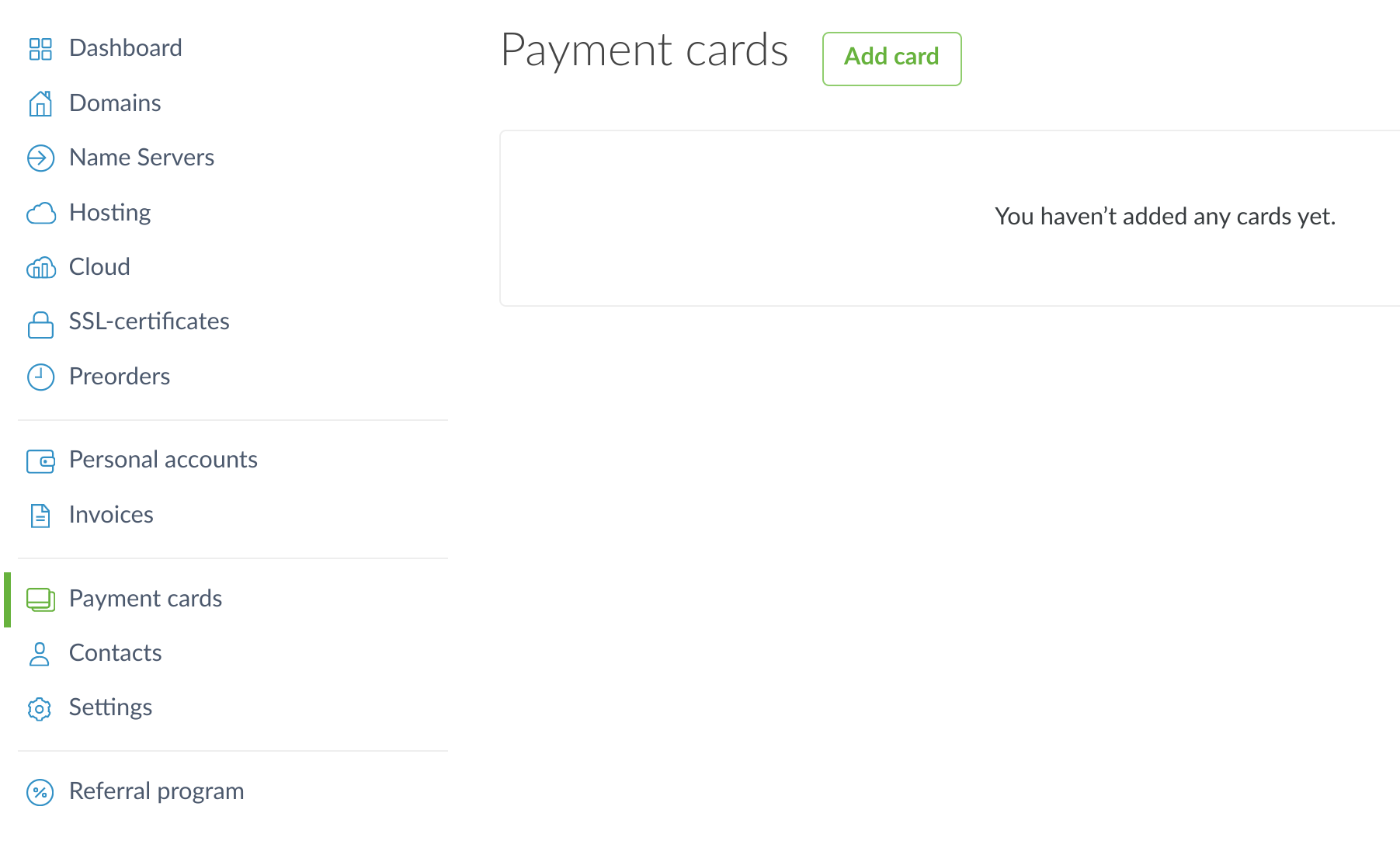
To add a card, log into your NIC.UA account and select "Payment cards" in the left column. Click on the "Add card" button:
After refreshing the page, a find a form where you need to enter your card details, including the card number, expiration date, and CVV code.
Please note that the card will not be added if you use Google Pay or Apple Pay. This is due to the way these payment technologies work.
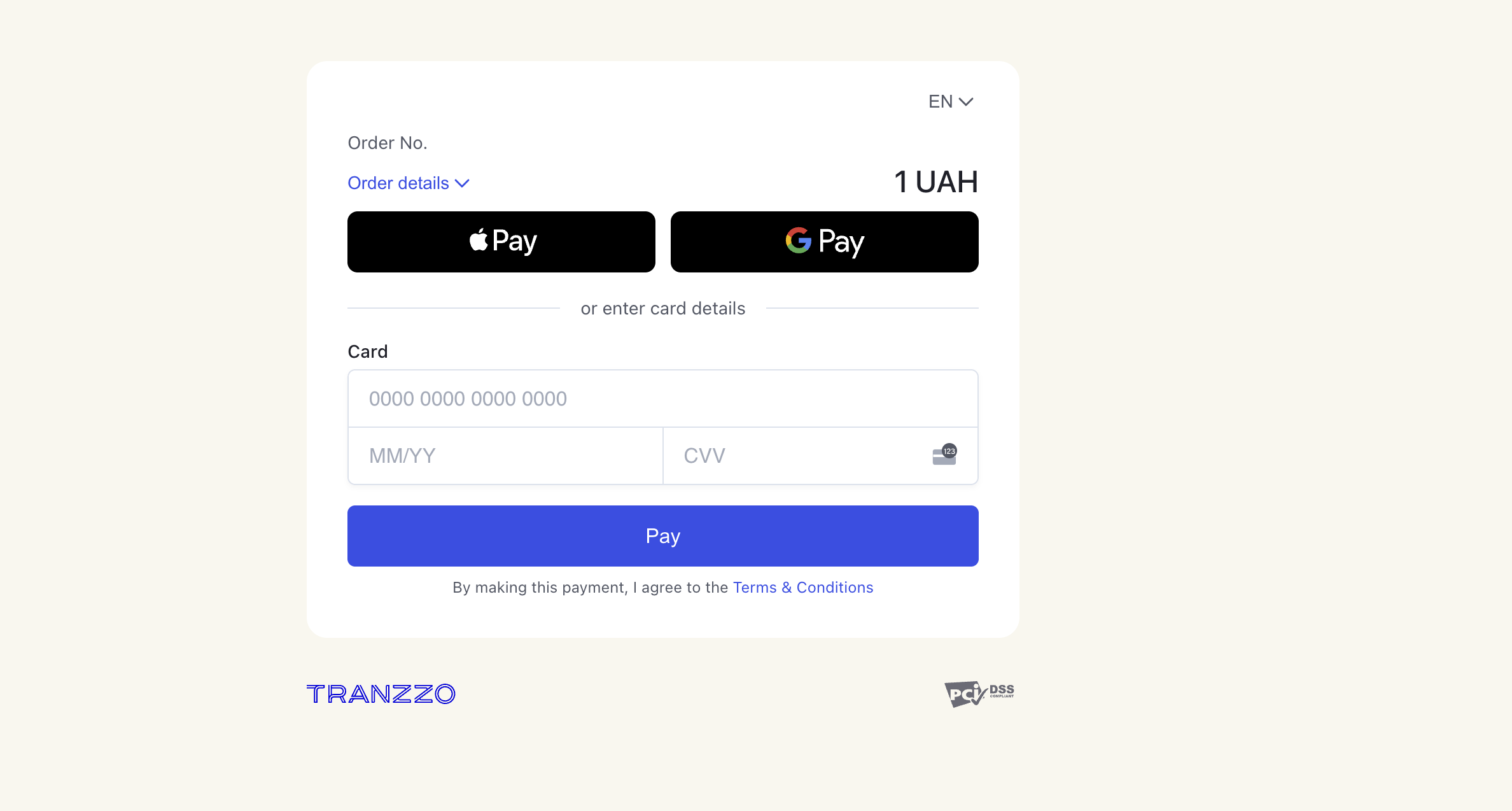
After clicking on the "Pay" button, your bank that issued the card will ask you to confirm the operation. 1 UAH will be temporarily blocked from your card and returned. Thus, the bank will make sure that the card is valid and has a positive balance.
After performing these steps you will see your card in the list of added cards of your NIC.UA account.
